
Why Signal Won’t Connect in China (and What Actually Helps)
Published: October 7, 2026 · Updated: October 8, 2026
Signal installs fine in China but never connects. Messages spin forever, calls fail, nothing arrives. That is not a bug in the app: Signal’s servers are blocked at the network level in mainland China, so the app simply cannot reach them. There are three fixes worth trying, in this order: Signal’s own built-in censorship circumvention, a TLS proxy set inside the app, or a working VPN or proxy running on the whole phone. None of them is guaranteed, and this guide will not pretend otherwise. This is the honest order to try them in, with realistic expectations for each.
First, confirm it is the block
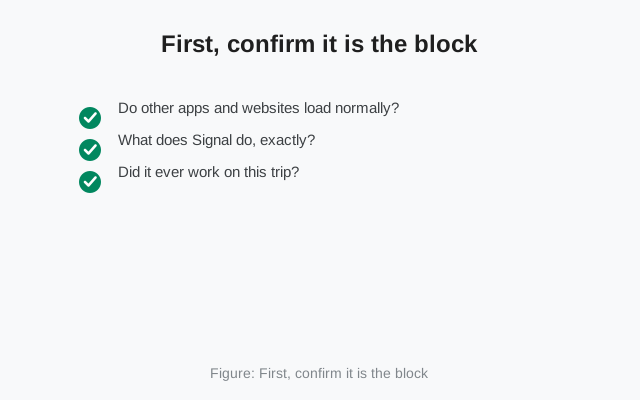
Before reaching for circumvention tools, make sure you are actually fighting the network block and not a local problem:
- Do other apps and websites load normally? If your browser, maps, and local apps work but Signal (and a handful of other foreign apps) do not, that pattern points at the block, not your phone.
- What does Signal do, exactly? The classic block symptom is the app opening fine but sitting on “connecting” forever: messages never send, calls never start. That is what a server you cannot reach looks like.
- Did it ever work on this trip? If Signal worked on arrival and died later, you may be in a period of tightened filtering rather than facing a settings problem.
One useful data point: registration SMS codes usually still arrive, because SMS travels over the carrier network, not the internet. The connection failure starts after registration, when the app tries to talk to Signal’s servers. If even the SMS never comes, that is a different problem. See the SMS code checklist instead.
The three fixes at a glance:
| Fix | What it does | Cost and effort | The honest catch |
|---|---|---|---|
| 1. Built-in censorship circumvention | One toggle in Settings > Privacy > Advanced. Routes through alternative paths that disguise the destination (domain fronting). | Free. Ten seconds. No extra apps or skill. | Often not enough against China's filtering alone. |
| 2. TLS proxy inside Signal | A proxy server outside China relays your Signal traffic. Messages stay end-to-end encrypted. | Free if a trusted friend runs the server. Needs its address. | No trustworthy public free lists. Random addresses hand your metadata to a stranger. Most travelers skip this. |
| 3. VPN or proxy for the whole phone | A VPN or proxy app on the phone. All traffic, Signal included, goes through the tunnel. | Most reliable. Set up and test before you travel. | Free VPNs are usually the product, not the tool. Expect cat-and-mouse during sensitive periods. |
Fix 1: the built-in censorship circumvention
Signal ships its own answer to blocking, and it costs nothing to try first. In the app, go to Settings > Privacy > Advanced and turn on Censorship Circumvention. What it does, in plain terms: instead of connecting to Signal’s servers directly (traffic the filter recognizes and drops), the app routes through alternative paths that disguise the destination, a technique called domain fronting. No extra apps, no accounts, no technical skill needed. One toggle.
The honest expectation: this built-in option helps in many blocked regions, and Signal keeps improving it, but mainland China’s filtering is among the most aggressive in the world and this toggle alone is often not enough there. Try it first because it takes ten seconds. Send a test message to a contact and see if it goes through. If messages still spin after a few minutes, move on to Fix 2 rather than toggling it on and off hoping for a different result.
Fix 2: a TLS proxy inside Signal
Signal also supports connecting through a TLS proxy that you configure inside the app: this is Signal’s documented proxy support, built for exactly this situation. A proxy server outside China relays your Signal traffic. Your messages stay end-to-end encrypted, so the proxy operator cannot read message contents (though they can see connection metadata, like the fact that you are using Signal, and you should understand that trade before using one).
The practical catch: you need a proxy server run by someone you trust, and you need its address. There are no trustworthy public lists of free Signal proxies. Random “working Signal proxy” addresses passed around online are a good way to hand your metadata to a stranger, and many are dead or malicious within days. Realistically, this option works best if you have a technically inclined friend or colleague outside the country who can set one up for you. It takes some doing on both ends, which is why most travelers skip straight to Fix 3.
Fix 3: a VPN or proxy for the whole phone
In practice, the most reliable route is running your circumvention at the operating-system level: a VPN app or proxy tool on the phone itself, so all of the phone’s traffic, Signal included, goes through the tunnel. Signal then just works, because as far as the local network can tell, your traffic is going to the VPN server, not to Signal.
We are deliberately not naming products here. The honest reasons: the tools that work in China change constantly as blocking evolves, and most “best VPN for China” rankings are paid advertising wearing a review costume. What people generally use falls into two broad categories: standard VPN apps, and proxy tools in the Shadowsocks/V2Ray family that are designed to blend in with normal traffic. Ask technically savvy travelers you trust what is currently working, not a search-results listicle.
Three practical warnings that matter more than the choice of tool:
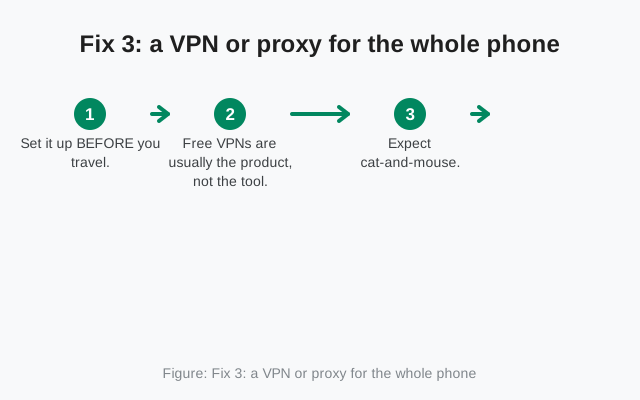
- Set it up BEFORE you travel. VPN apps are removed from Chinese app stores, their websites are typically blocked too, and downloading one after arrival is its own circumvention problem. Install, configure, and test everything while you still have open internet.
- Free VPNs are usually the product, not the tool. The free options tend to be slow, data-capped, ad-stuffed, or quietly monetizing your traffic. For something you depend on daily, this is the wrong place to economize.
- Expect cat-and-mouse. Even good setups get disrupted during politically sensitive periods. If Signal suddenly stops connecting during a major event week, it is probably the environment, not your configuration. Wait it out rather than rebuilding everything.
Getting Signal’s APK while you are already there
There is a chicken-and-egg problem worth planning for: signal.org itself is often unreachable from inside China, which makes downloading or updating the app awkward. The fix is boring: download the APK before you go. The official page is signal.org/android/apk (current website build 8.29.3, package org.thoughtcrime.securesms). Keep the installer file on the phone or a laptop so clean reinstalls never depend on any store. And verify it the same way you would anywhere else. Our APK verification guide shows how to check the signature before installing. Never accept a Signal APK forwarded through a random chat group; a tampered installer on a phone you depend on abroad is a nightmare scenario.
Registering with a Chinese number
A common worry: can you even register with a Chinese carrier number? Generally yes. Registration needs an SMS verification code, and Chinese carriers deliver those normally. SMS is not internet traffic, so the block does not touch it. Enter your number, receive the code, and complete registration. The connection problem begins after that, when the app needs the internet path to Signal’s servers, which is exactly what Fixes 1–3 address. If the SMS itself never arrives, work through the voice-call verification option before assuming anything about blocking.
The legal note, kept short
Using unauthorized VPNs in China carries legal risk, and enforcement varies by time, place, and circumstance. We are not lawyers and this is not legal advice. Know the rules where you are and make your own decision. That is the whole note; we will not preach beyond it.
If nothing works
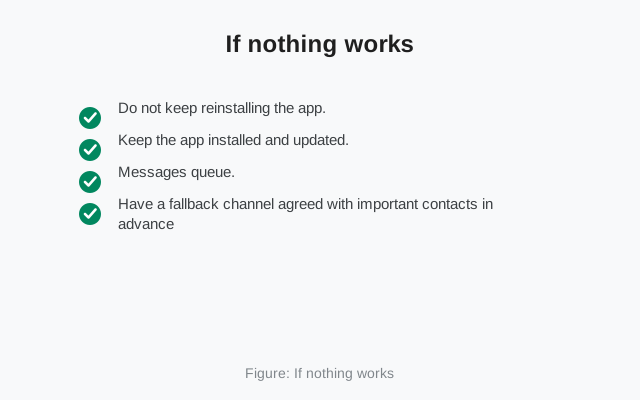
Sometimes, during crackdowns, nothing consumer-grade works for days at a time. If you reach that point:
- Do not keep reinstalling the app. Reinstalling cannot fix a network block, and each reinstall risks your local message history for zero benefit.
- Keep the app installed and updated. Connectivity usually returns when the pressure eases, and your account is not going anywhere. Signal only deletes accounts after 120 days of inactivity.
- Messages queue. Anything sent to you while you are offline waits on Signal’s servers and delivers when your connection returns.
- Have a fallback channel agreed with important contacts in advance: something reachable without circumvention for the days Signal is dark.
The block is a property of the network, not a verdict on your phone or your account. Treat it as weather: prepare for it, route around it when you can, and wait it out when you cannot.
from Signal's official site — file hosted by Signal, not by us
Frequently asked questions
Is Signal banned in China?
Signal is blocked at the network level in mainland China. The app installs and opens normally, but it cannot reach Signal's servers, so messages and calls never connect. It is a technical block, not an app malfunction.
Will the built-in censorship circumvention toggle definitely work in China?
No. It helps in many blocked regions and is worth trying first since it takes seconds, but China's filtering is aggressive and the toggle alone is often insufficient there. Treat it as step one of three, not the whole answer.
Can I use Signal in China without a VPN?
Sometimes the built-in circumvention toggle or a manually configured TLS proxy can work. But neither is reliable on its own in mainland China, so most people end up needing a working VPN or proxy at the phone level.
Is it legal to use a VPN in China?
Using unauthorized VPNs in China carries legal risk, and enforcement varies. We are not lawyers and this is not legal advice. Understand the rules where you are and decide for yourself.
Does Signal work in Hong Kong, Macau, or Taiwan?
Generally yes. Those regions do not block Signal the way mainland China does, so the app connects normally there without any circumvention.
Will my messages arrive when Signal reconnects?
Yes. Messages sent to you while you are offline wait on Signal's servers and are delivered once your connection returns. Nothing is lost to the block itself.
Keep reading
- Re-registering Signal: what happens to sessions, devices, and history
- SMS code never arrived: the checklist for verification problems
- Verify the Signal APK: check the signature before installing any APK
- Is the Signal APK safe: the safety case for sideloading
- Troubleshooting hub: every Signal fix guide in one place